From digital scan to finished aligners
Seven steps, one case timeline, and one decision that stays entirely yours.
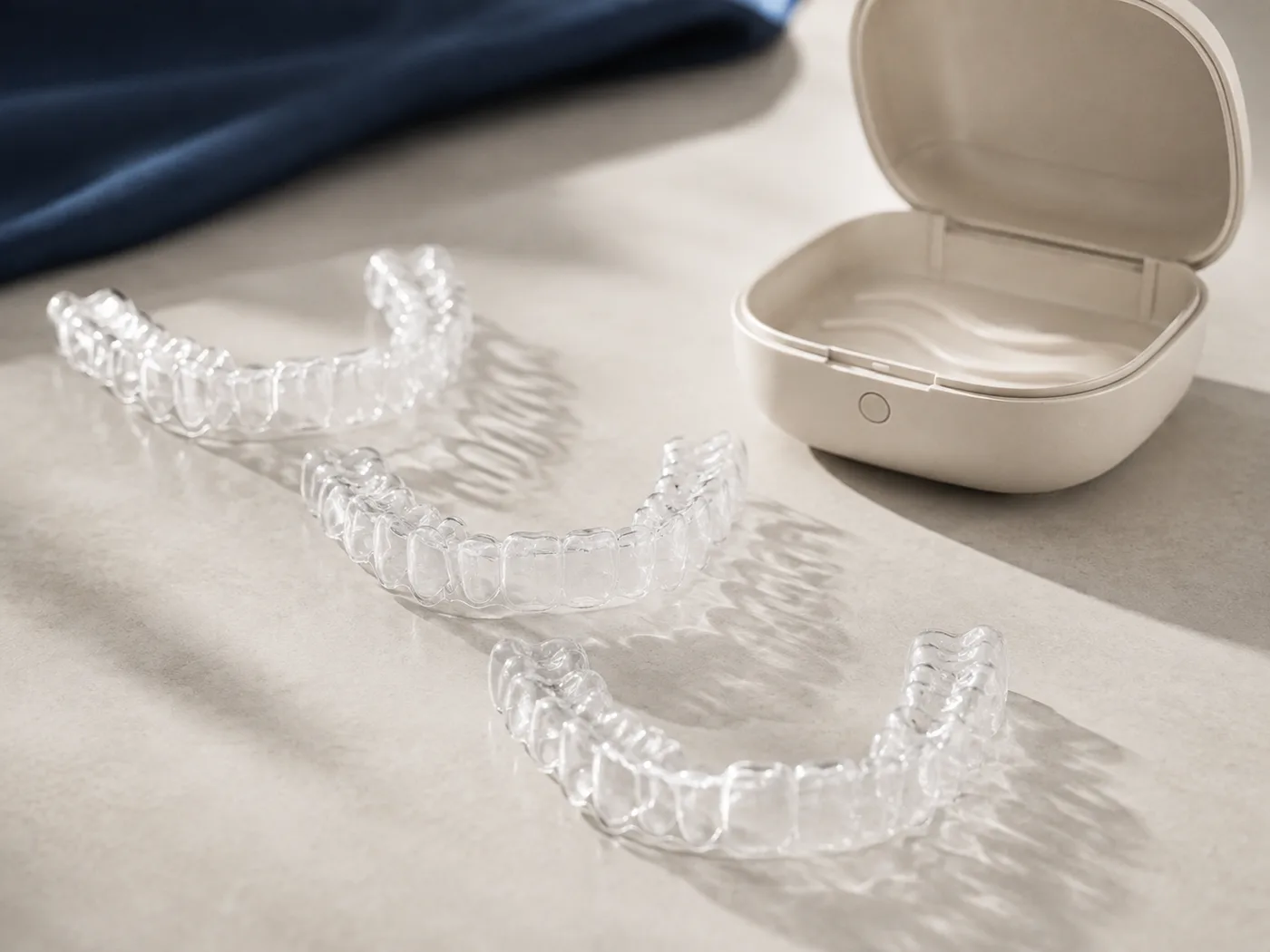
You submit, we plan, you decide.
Nothing is manufactured until the prescribing dentist approves one exact plan version.
01Upload
Send the case from your practice in a few minutes.
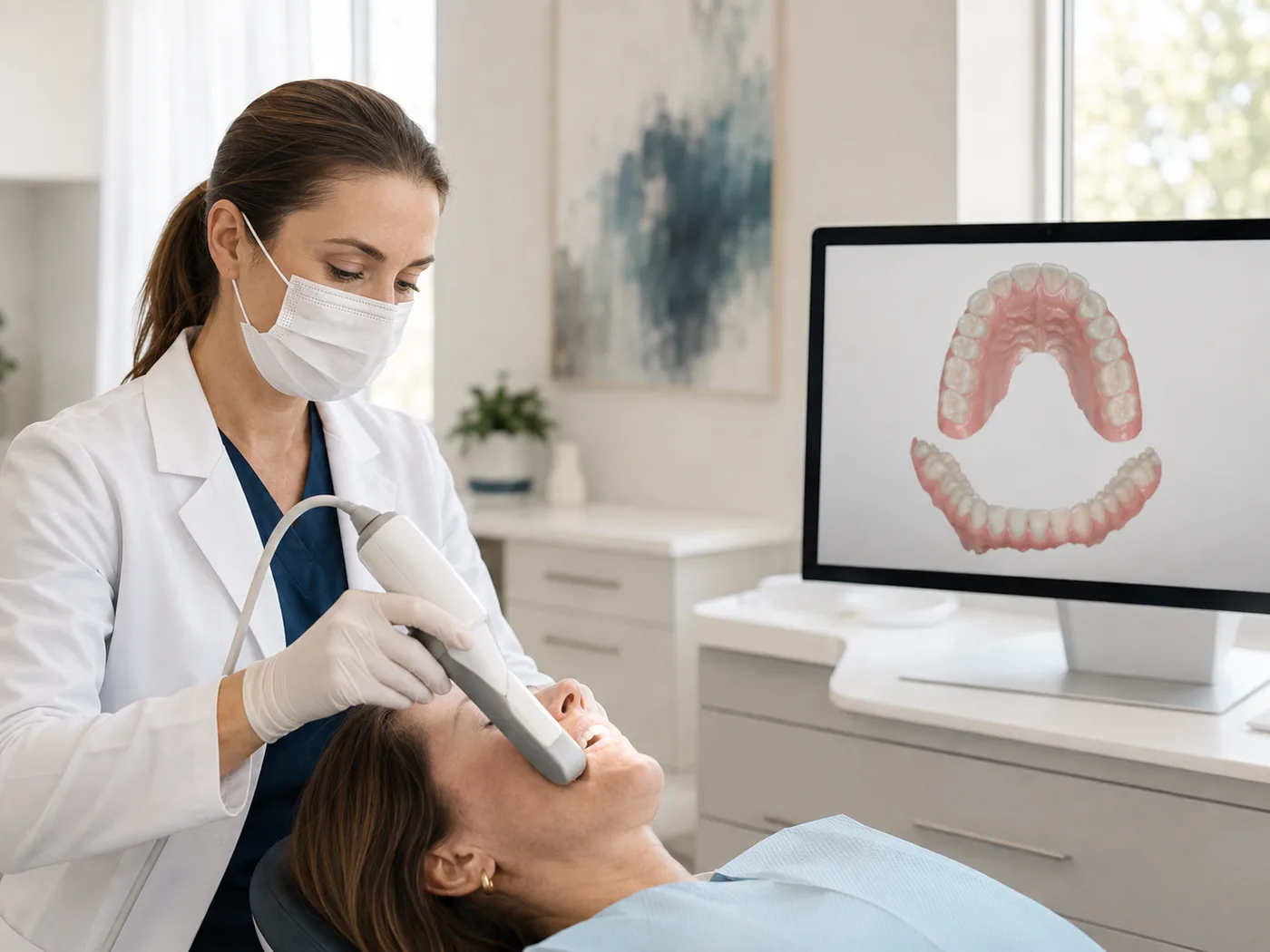
Upload the upper and lower STL scans, intraoral photographs, and a structured prescription. The prescription captures what you actually want: the treatment objective, whether IPR and attachments are permitted and within what limits, and which teeth are not to move.
- Files are validated on upload — a file that cannot be read as 3D geometry is rejected immediately, not three days later
- Every file is hashed, so you and we can confirm we are looking at the same bytes
- Storage is private; no case file ever has a public link
02Plan
A treatment-planning technician prepares the digital setup.
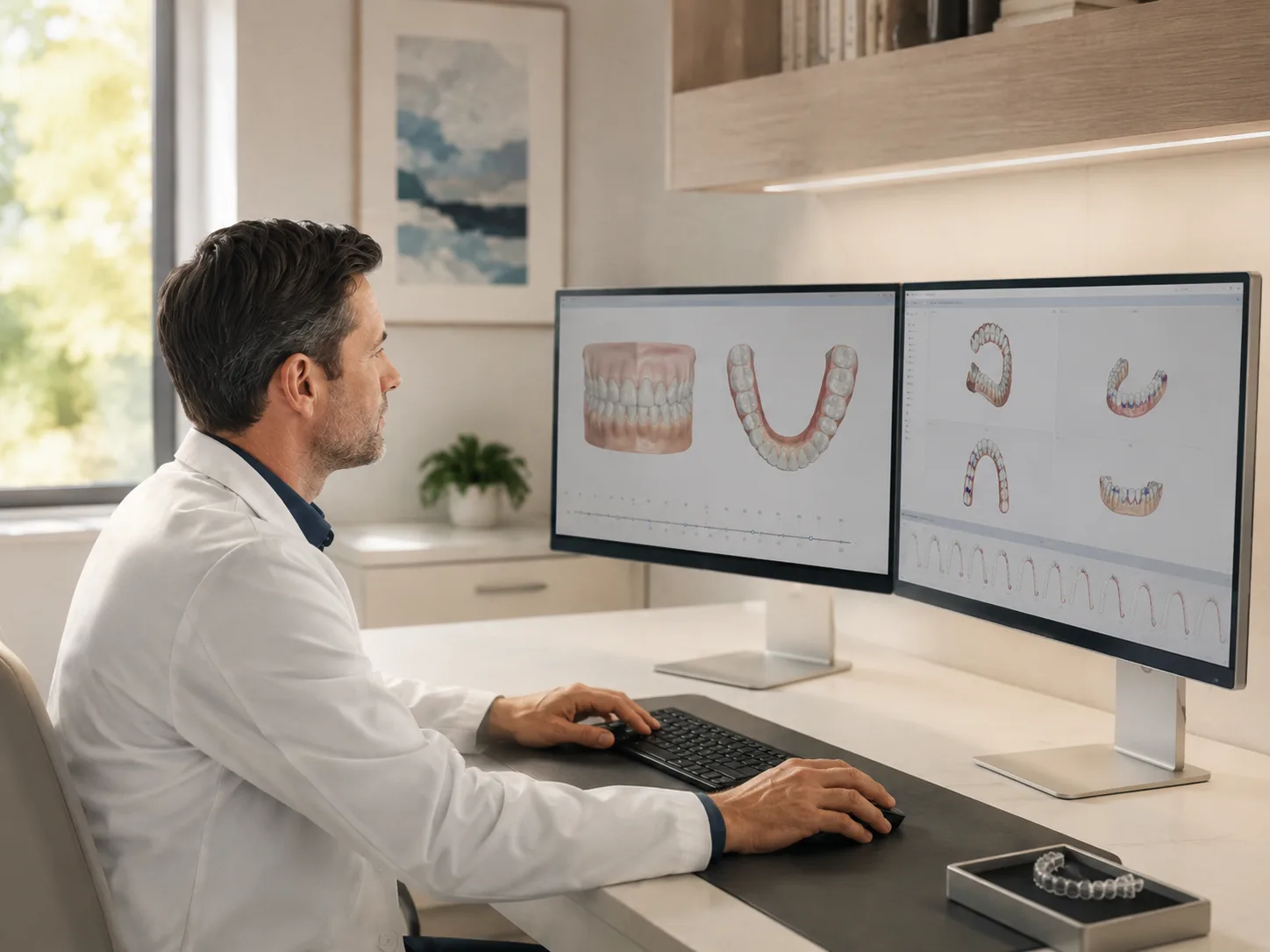
A person prepares the setup from your prescription. Aligner Magic does not generate treatment automatically and does not decide clinical suitability. Where the prescription is unclear, the technician asks rather than assumes.
- Upper and lower stage counts are set independently — they are rarely equal
- IPR and attachment metadata are recorded against the plan
- The setup records which records were and were not supplied
03Review
See the staged setup in 3D before anything is produced.
Step through the plan from the starting position to the final stage, toggle arches, and rotate, pan and zoom. If something is not right, request changes in writing; the technician produces a new version answering your note.
- Every version is kept, with its notes and its file list
- Revision requests require a written reason so the technician can act on it
- There is no limit on revisions before approval

04Approve
The prescribing dentist approves one exact plan version.
Only the prescribing dentist named on the case can approve it. The approval is bound to a fingerprint of that exact version and its files. If a new version is created afterwards, the earlier approval stops authorising manufacturing and a fresh approval is required.
- Approval records the dentist, the licence, the timestamp and the exact wording agreed
- Manufacturing is technically blocked until an unsuperseded approval exists
- The approval record cannot be edited or deleted afterwards

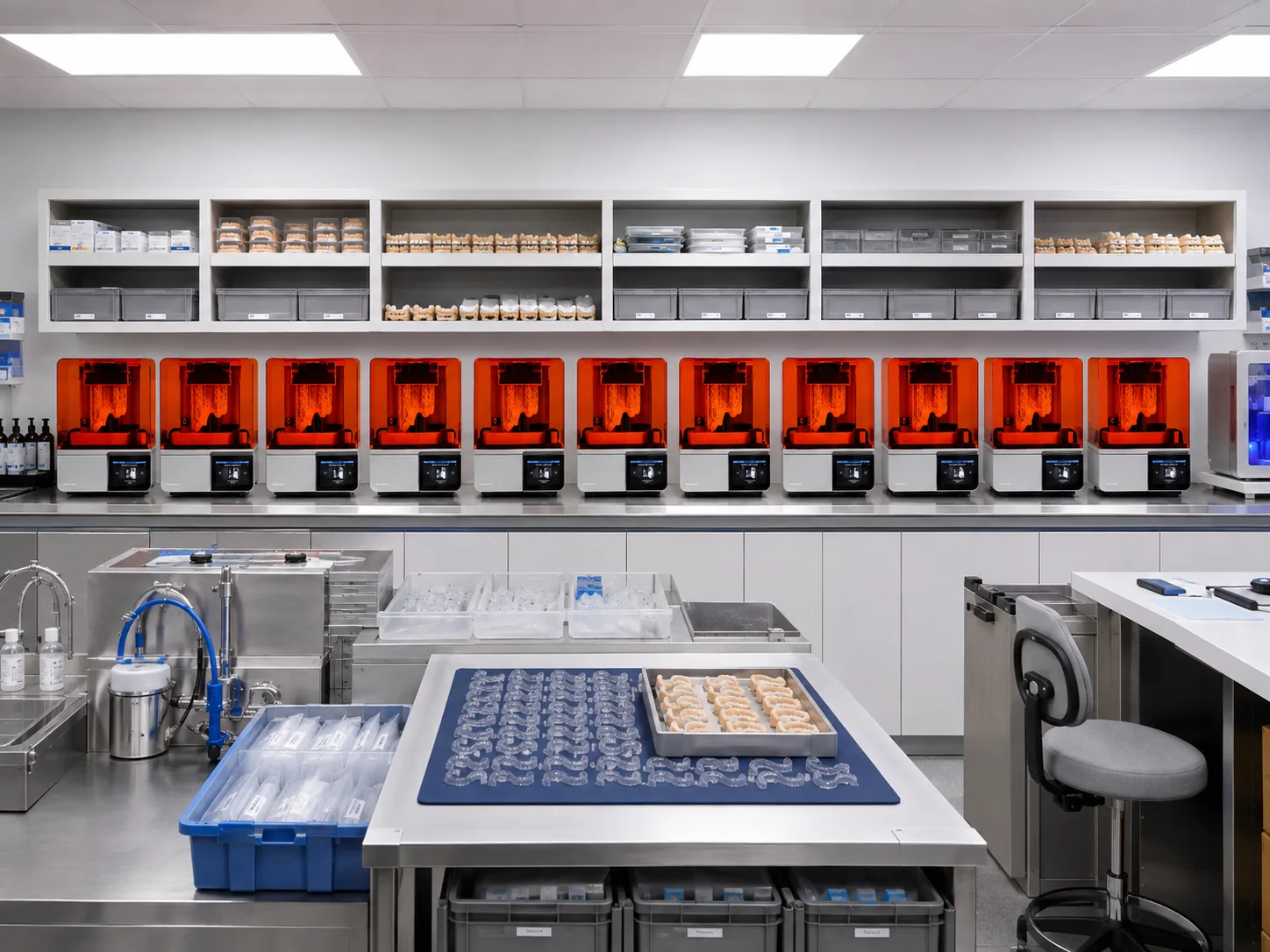
Only the approved version reaches production.
The production package is built from that one version — staged files, counts and packaging instructions. No patient identity, no photographs, no prescription notes.
05Produce
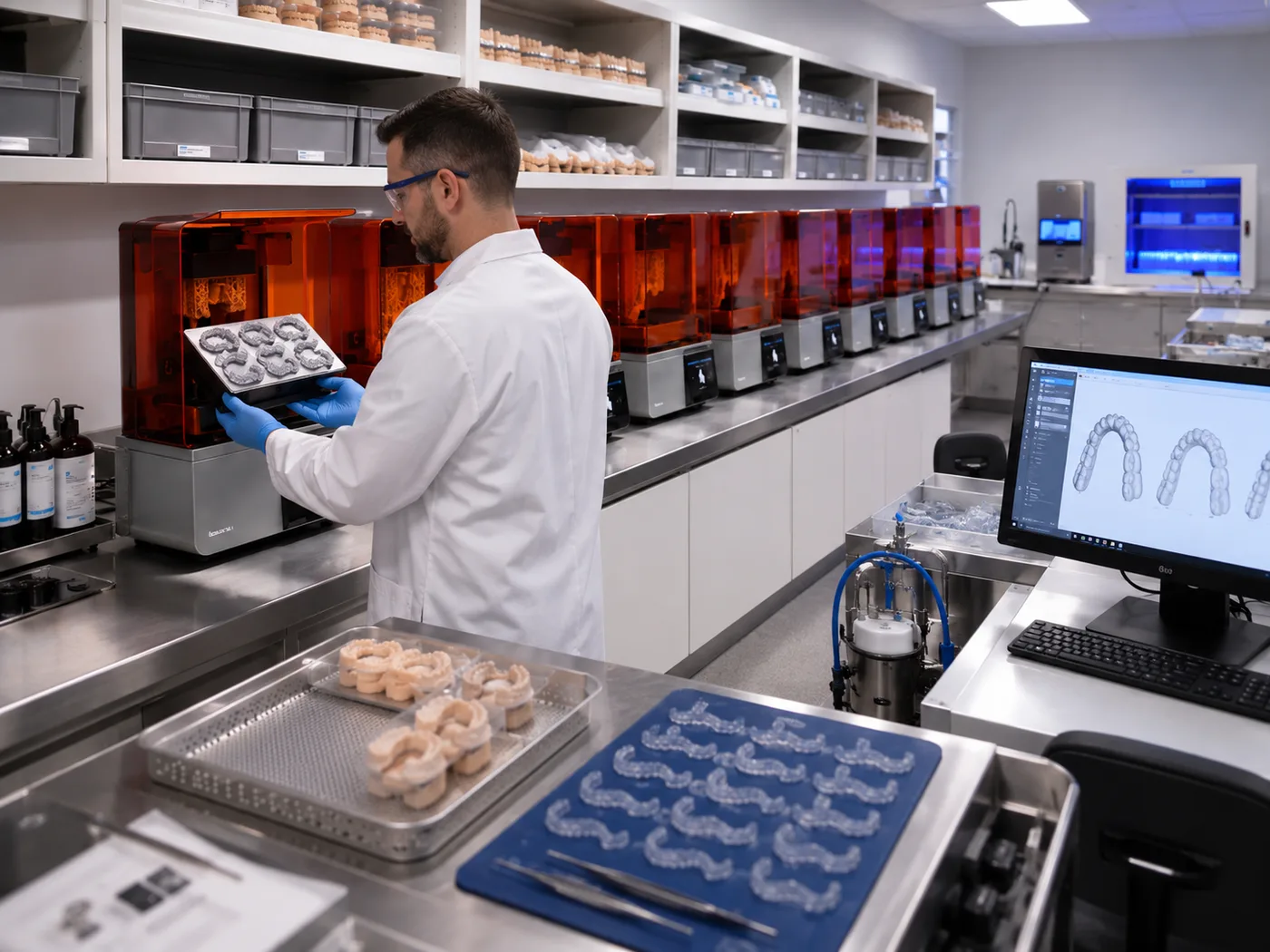
Approved files enter manufacturing.
A production package is generated from the approved version and nothing else. It contains the staged files, the counts and the packaging instructions — no patient identity, no photographs, no prescription notes.
- Manufacturing, trimming, polishing, labelling and packing into Aligner Magic packaging
- The manufacturer runs its own quality check and records the result
- Material and lot details are captured for traceability
06Inspect
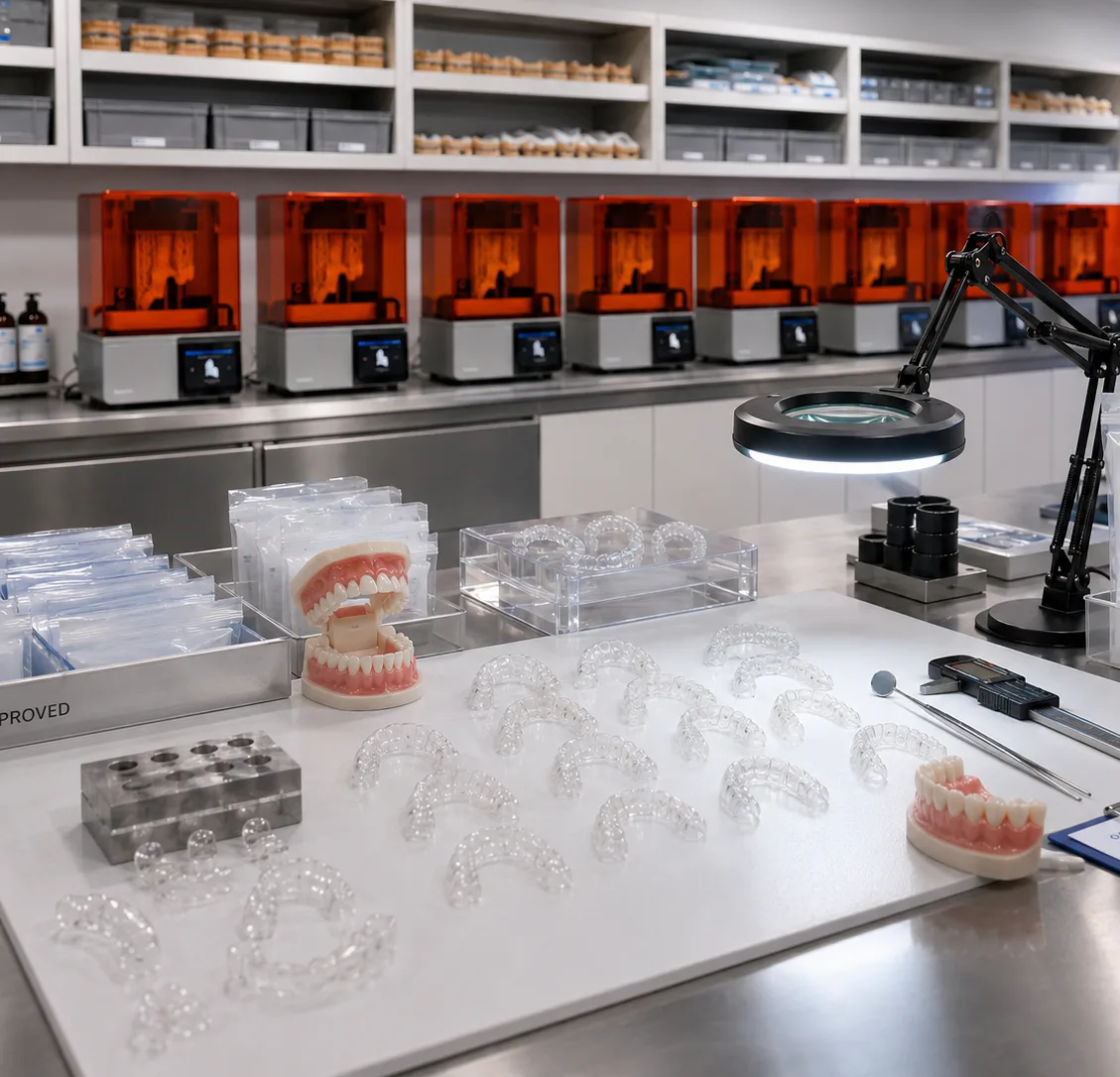
Every case comes to us before it comes to you.
Cases are shipped to the Aligner Magic U.S. fulfillment facility, received against the expected manifest, and put through a final quality check. A case that fails is held, not shipped.
- Aligner count checked against the approved plan
- Upper and lower sequences checked for gaps and duplicates
- Labels, packaging and manifest match verified
07Deliver
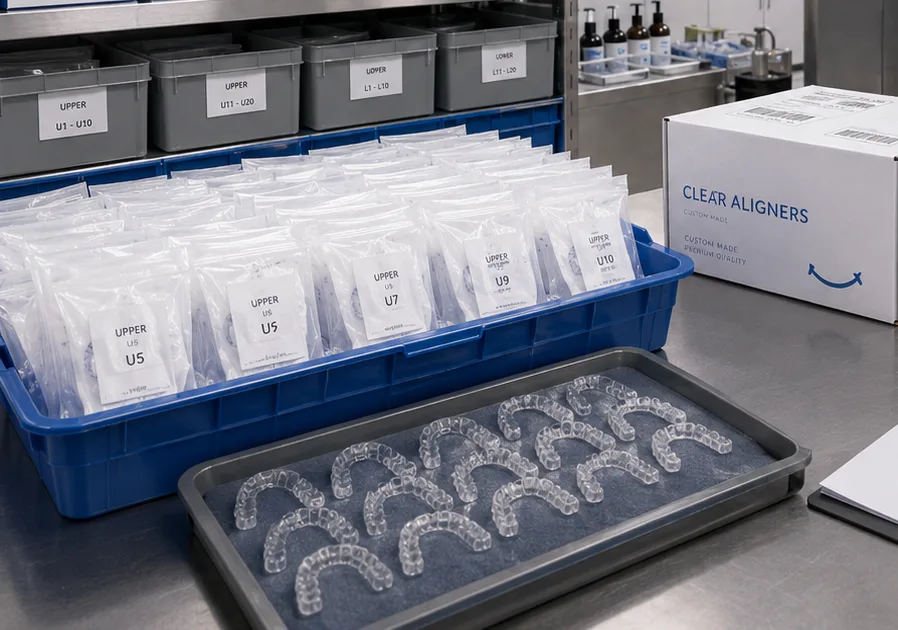
Local delivery where available, tracked carrier otherwise.
Once a case passes final quality control it is dispatched to your practice, and you see the delivery status on the same case timeline you have followed since submission.
- Delivery is recorded against the case, including who received it
- Anything wrong on arrival opens a tracked remake with a clear responsibility
Want to see it on a real case?
Start with one pilot case. You will see the whole workflow end to end before changing anything about how your practice runs.